9 Signs It's Time to Consider a Jira Alternative

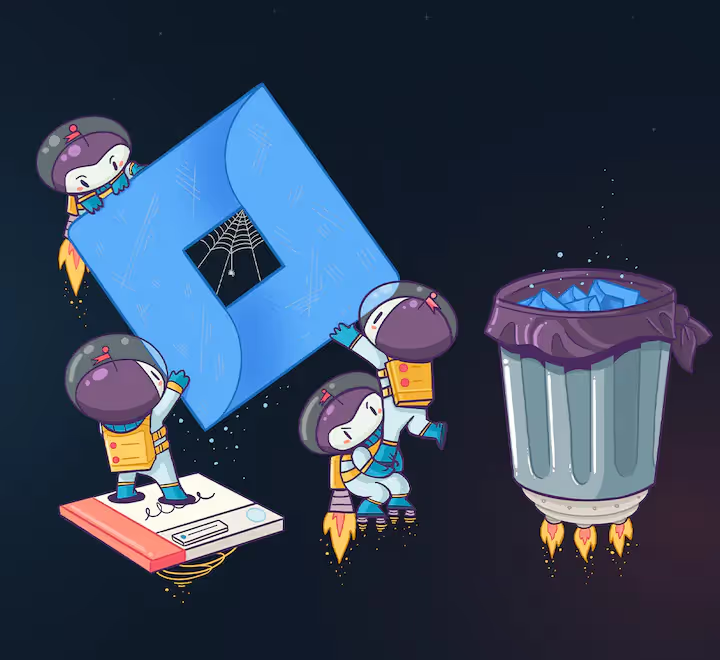
Jira has been the industry standard for software project management for two decades, and it earned that position: it’s powerful, deeply configurable, and can be shaped to fit almost any process. But that flexibility comes with tradeoffs in setup time, day-to-day speed, and usability, and those tradeoffs don’t make sense for every team.
There are many Jira alternatives that bring software engineers and product managers together in one tool without the configuration overhead. If you’re wondering whether it’s time to evaluate one, here are nine practical signs to look for.
1. Your workflows serve reporting more than the people doing the work.
Jira’s configurability makes it easy for organizations to build elaborate workflows around time tracking and status reporting. That’s useful for some teams, but when every status change exists to feed a report rather than to help engineers ship, process starts to work against progress. If your workflows are optimized for oversight instead of delivery, that’s a sign the tool’s flexibility is being used against your team’s velocity.
Read More: How to Bring Engineers On Board with the Product Vision
2. The interface slows down your daily flow.
Jira’s interface carries the weight of every feature and configuration option it supports. Dense screens and cluttered navigation mean that finding the information you need often takes more clicks than it should. If your team regularly loses time navigating the tool rather than using it, that friction adds up.
3. Changing your process requires admin work.
Adjusting workflows, fields, or screens in Jira typically goes through an administrator, and in larger organizations that can mean tickets and waiting. Teams that iterate on their process frequently often want a tool where they can make those changes themselves, on the fly.
4. Simple tasks take too many steps.
Creating a ticket, updating a status, or splitting a story shouldn’t require navigating multiple screens and required fields. When the volume of attributes and configuration options makes even routine tasks feel heavy, an issue tracker starts to hinder progress rather than help it. For agile teams, the tool should keep pace with how quickly decisions change.
5. The real conversations happen somewhere else.
If standups, planning, and day-to-day discussion have migrated entirely to Slack and GitHub because the tracker isn’t useful in those moments, your source of truth is fragmenting. Atlassian provides extensive documentation, but when getting a quick answer requires digging through how-to content, people route around the tool instead of through it.
6. Page loads interrupt your work.
Slow page loads are one of the most common complaints about Jira, particularly in large, heavily configured instances. Waiting for boards and issues to render is a small tax paid many times a day, and tasks that should take seconds stretch into minutes.
7. You’re paying for complexity you don’t use.
Jira’s breadth is a genuine strength for organizations that need it. But if your team uses a fraction of the feature set while still absorbing all of its complexity in the interface, configuration, and onboarding, you’re carrying overhead without getting the benefit. Software development involves constant change, and a leaner tool may match that reality better.
8. Onboarding new teammates takes too long.
Jira’s learning curve reflects its depth. New employees often need hours of tutorials before they can work comfortably in it, and non-technical teammates may never get there. If onboarding to your project tracker is a project of its own, that’s time your team isn’t spending on actual work.
9. Your engineers avoid using it.
The clearest sign of all: if engineers update tickets only when reminded, track their real work elsewhere, and treat the tool as a chore, the data inside it goes stale and every report built on that data loses value. A tracker only works when the people doing the work actually want to use it.
Read More: How to Make Engineers and PMs Like Each Other
Consider a Jira Alternative: Shortcut
If several of these signs sound familiar, it’s worth evaluating alternatives. Look for something less rigid and formal – something that enables cross-team collaboration for non-technical team members, like product and design teams, in addition to engineering; something that is lightweight, but still has powerful functionality. That’s exactly what we built Shortcut to be: an agile project management tool with the structure teams need and none of the configuration overhead.
Read More: Product Development the Shortcut Way
Flexibility without complexity
When an entire organization can use a single project management tool, it becomes easier for teams to collaborate and be more efficient. Shortcut is flexible enough to support a scaling organization, yet easy enough for all departments to master. Everybody at Shortcut uses Shortcut because it’s opinionated enough to stay organized, but flexible enough to support a scaling organization.
Intuitive enough for anyone to use
Jira’s depth makes it a hard sell for non-technical users, so in practice it often ends up as an engineering-only tool. We’ve built Shortcut in such a way that it remains intuitive enough for anyone to use. From marketing and design teams to product and software development, Shortcut can be adapted to organize any team’s workflow.
Heavily team-oriented
Shortcut is a collaboration project management tool built for entire teams. Shortcut is a place for cross-functional teams to come together, collaborate, manage roadmaps, track and document work, and measure success all within the same system record. A single source of truth.
Integrations
Shortcut offers keyboard shortcuts, deep integration with GitHub, Markdown support, and a well-crafted API. Together, these integrations help Shortcut evolve and improve your software development workflow.
Zoom in, zoom out for transparency
Shortcut allows you to zoom in to pinpoint updates on the delivery of a single project or quickly zoom out to see planning across several teams or the whole organization, all from one agile dashboard. Transparency and inclusivity are huge parts of what makes Shortcut the product work, and also two big values we share as a company.
Read More: How Shortcut Supports Agile Development: Scrum, Kanban, and Everything in Between
Speed
Simply put, Shortcut is fast. You’re not waiting around for your work to load. As mentioned above, one of the most common frustrations with Jira is slow page loads, a side effect of how much it’s trying to do. Shortcut is built to stay quick in daily use.
Shortcut vs Jira
- Story vs Issue
The Shortcut Story simplifies the Jira system with less configuration and less confusion.
- Epic vs Epic Issue Type/Project
An Epic in Shortcut streamlines the hierarchy and gives one clear and effective way to view, zoom in and out of, and organize your work into features or larger pieces of work.
- Milestone vs Initiative/Project
The Shortcut hierarchy provides visibility at all levels with clear links between Stories, Epics, and Milestones.
- Iteration vs Sprint
Iterations are easy to set up, with reporting to track progress, and brings all your work and documentation together with Docs.
- Teams vs (Teams / Projects)
Teams bring your engineering and product squads together so everyone can easily view and complete the work they are responsible for.
- Saved Spaces vs Board
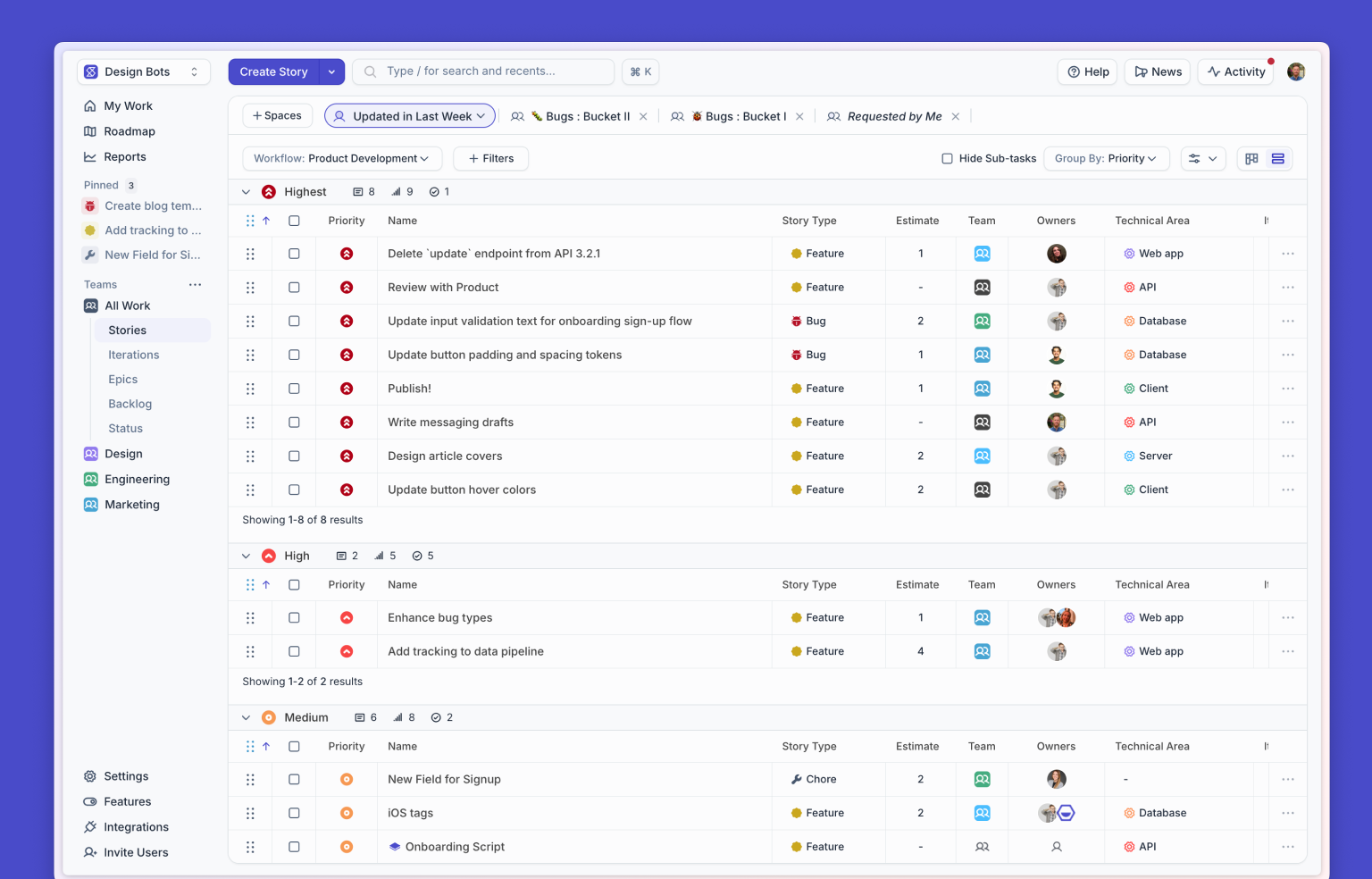
Use Saved Spaces on the Stories page to create filtered views that show your work, your team’s work, and any other customized board view you need. The Stories page can quickly toggle Workflows and filter on various dimensions, so there is no need to create siloed “Boards” as in Jira.
- Workflow vs Workflow / Column
The Shortcut Workflows gives the customization you need without Jira’s heavier configuration model.
Read More: Shortcut vs Jira: Choose the Most Powerful Project Management Tool
Try Shortcut for Free
Switching project management tools is easier than it sounds. We even have a handy import tool, so you don’t lose any of your ongoing work.
Shortcut combines speed and flexibility to let your team plan, build, and launch better software. Try it for free!