Overview
Instabug empowers mobile teams to monitor, prioritize, and debug performance and stability issues throughout the app development lifecycle.
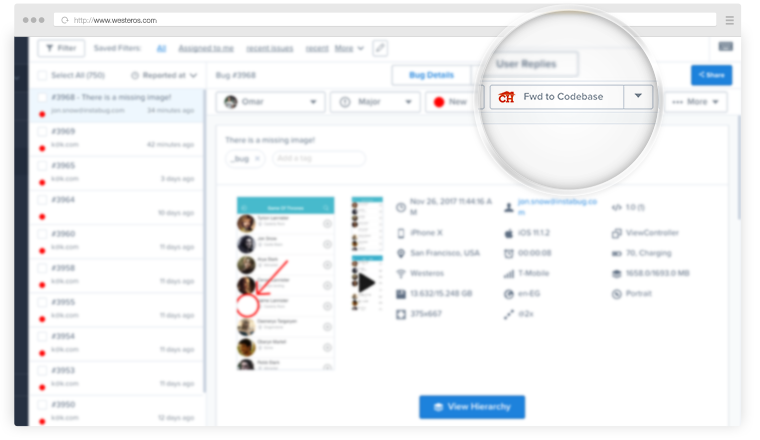
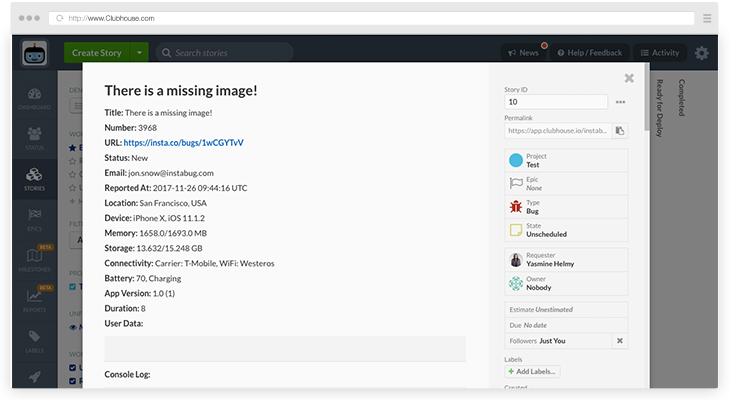
The Instabug integration enables you to send bug reports directly from an Instabug account to your Shortcut Story board. To learn more about Instabug and the integration, please visit their website at: https://www.instabug.com/integrations/shortcut
Setting Up the Integration
-
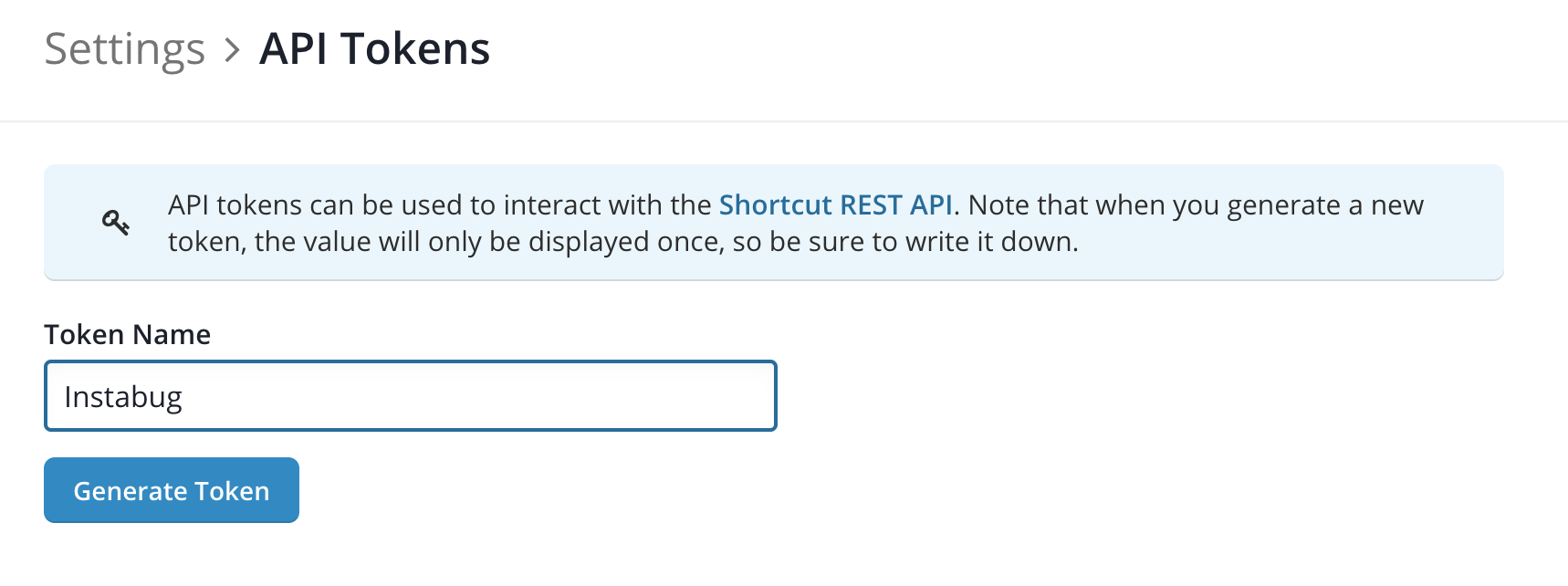
In Shortcut, go to Settings > Your Account > API Token
-
Name and generate a new token.
-
Copy the token somewhere secure.
-
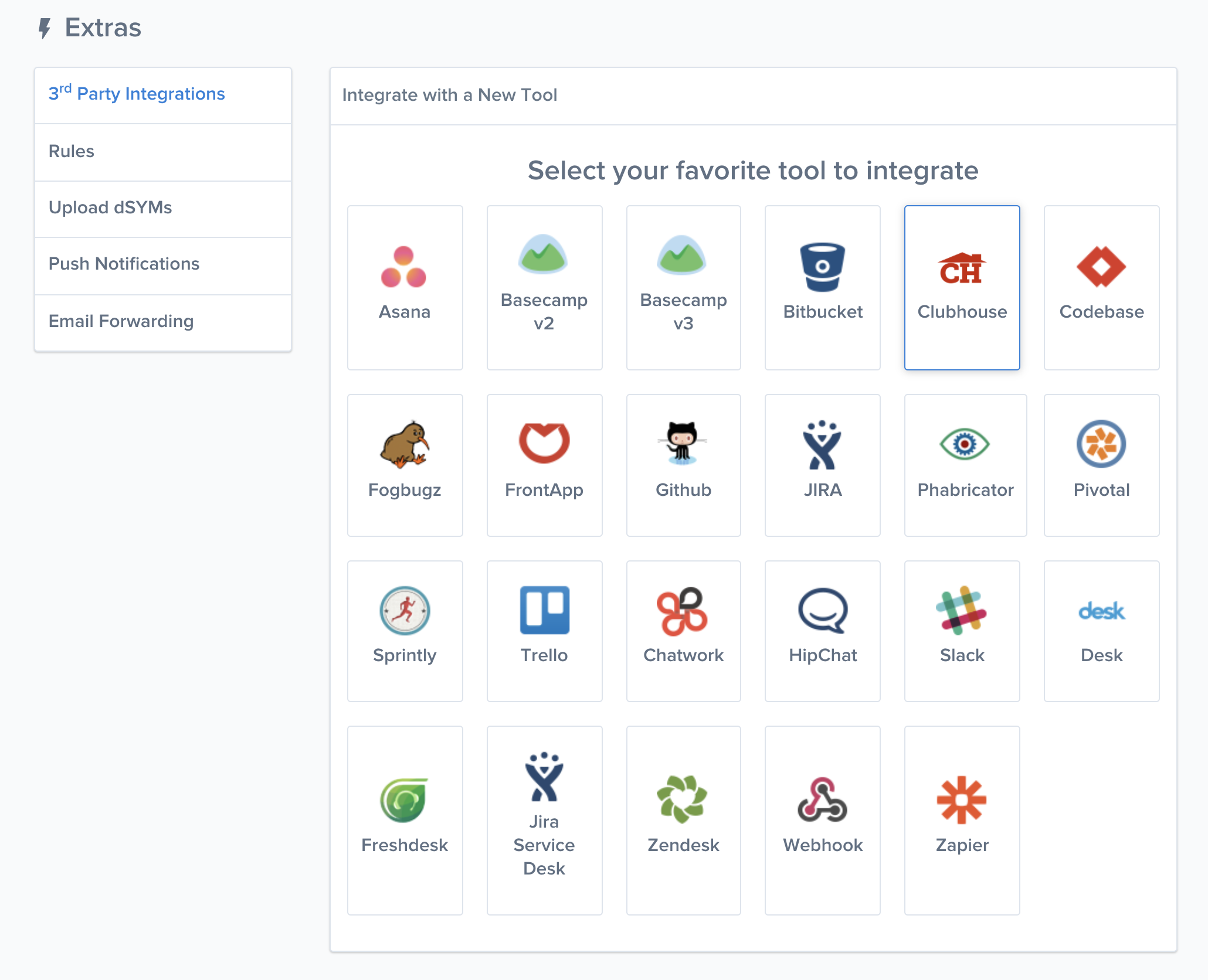
In Instabug, go to the Extras menu
-
Select 3rd Party Integrations
-
Click on the Shortcut icon
- Insert your token and select the Project you want the Story to drop into. You can also select what data is passed into the Story.
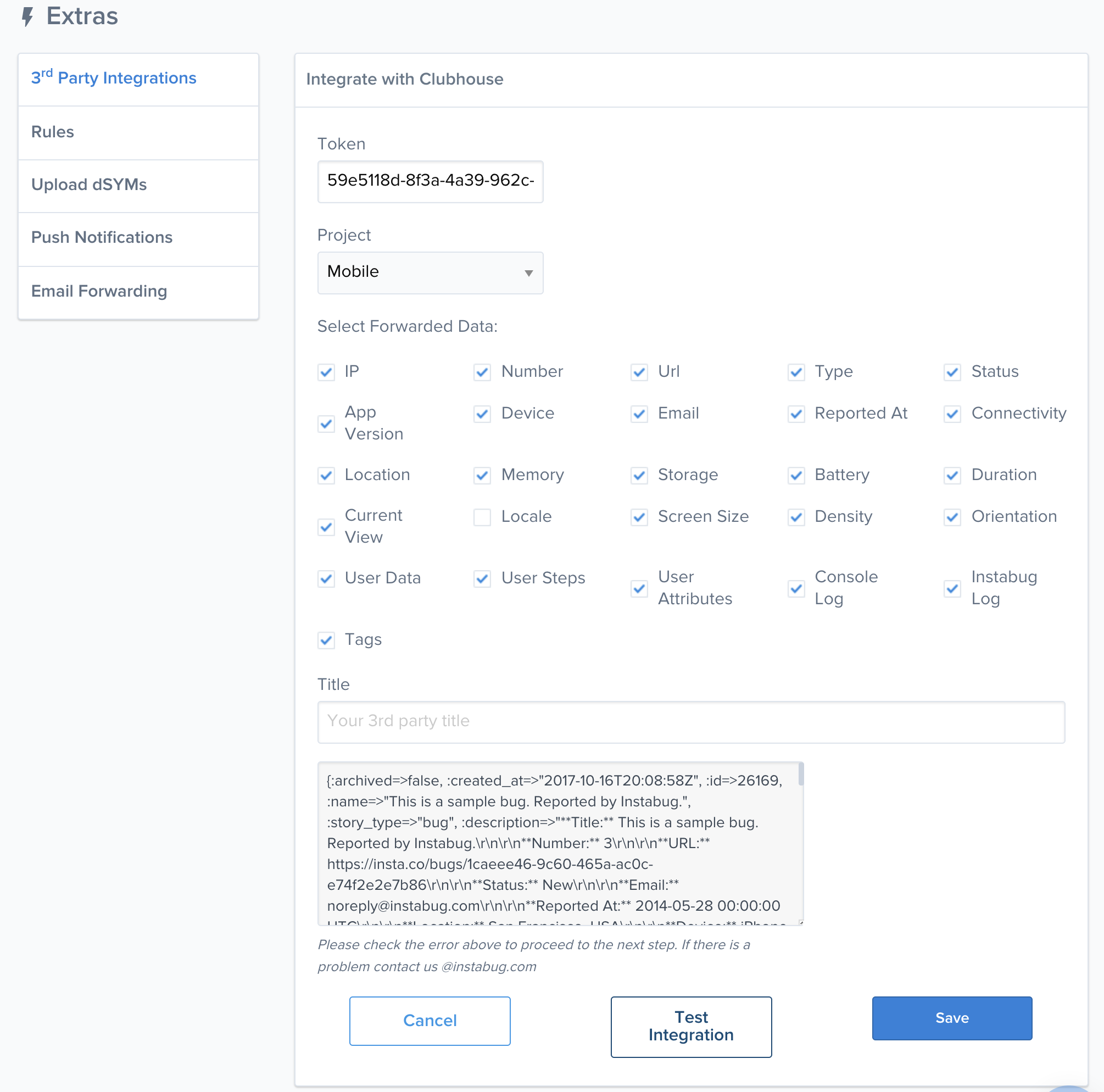
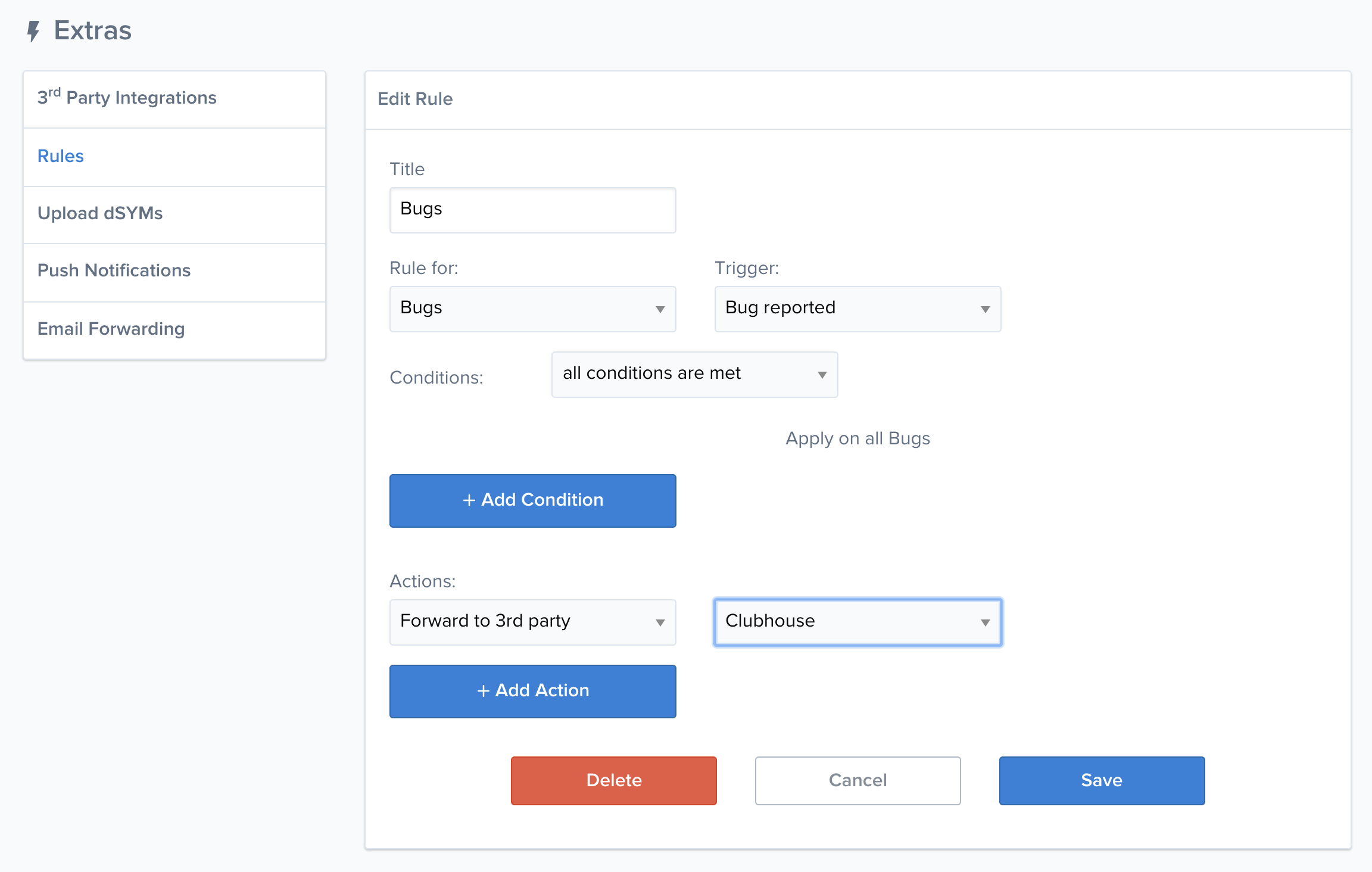
- Once the integration is set in Instabug, you can either choose to pass bugs along manually or you can go to Rules to define when Instabug will create a Shortcut Story.
The Instabug Shortcut integration is maintained by Instabug. While we are here to assist with any questions you might have, we suggest visiting the Instabug Help Center and reaching out to their Support team directly if experiencing challenges with the integration.