.png)

TL;DR: Why Shortcut Is the Best Free Project Management Tool for Engineering Teams
Shortcut's free plan includes Epics, Iterations, Roadmaps, Docs, and tight GitHub integration so work moves forward automatically. You get one Team with up to 10 users, no issue caps, and it's free forever.
What Makes a Free Project Management Tool Work for Engineering Teams?
Every engineering team knows this pattern. Someone drops an idea in Slack. A designer shares a mockup. A PM asks if it fits next sprint. An engineer spins up a branch to see what it would take. By end of day, it feels real. But nobody can answer: where does this actually live?
Ideas arrive everywhere. Context scatters. When you're using spreadsheets, Slack threads, or a limited free tier that blocks you at 10 issues, progress becomes guesswork.
Shortcut's free plan fixes this. It gives small teams enough structure to capture ideas, plan work, and ship, without forcing an upgrade just to stay organized.
What’s Included in Shortcut’s Free Project Management Plan?
1. A full-featured setup for one Team
Shortcut’s free plan supports one Team with up to 10 users, which matches how most early engineering groups operate. Backend, frontend, QA, design, product. Whoever your core crew is, they can work together in one organized place.
Your team gets:
- One customizable Workflow you can shape to match how work moves
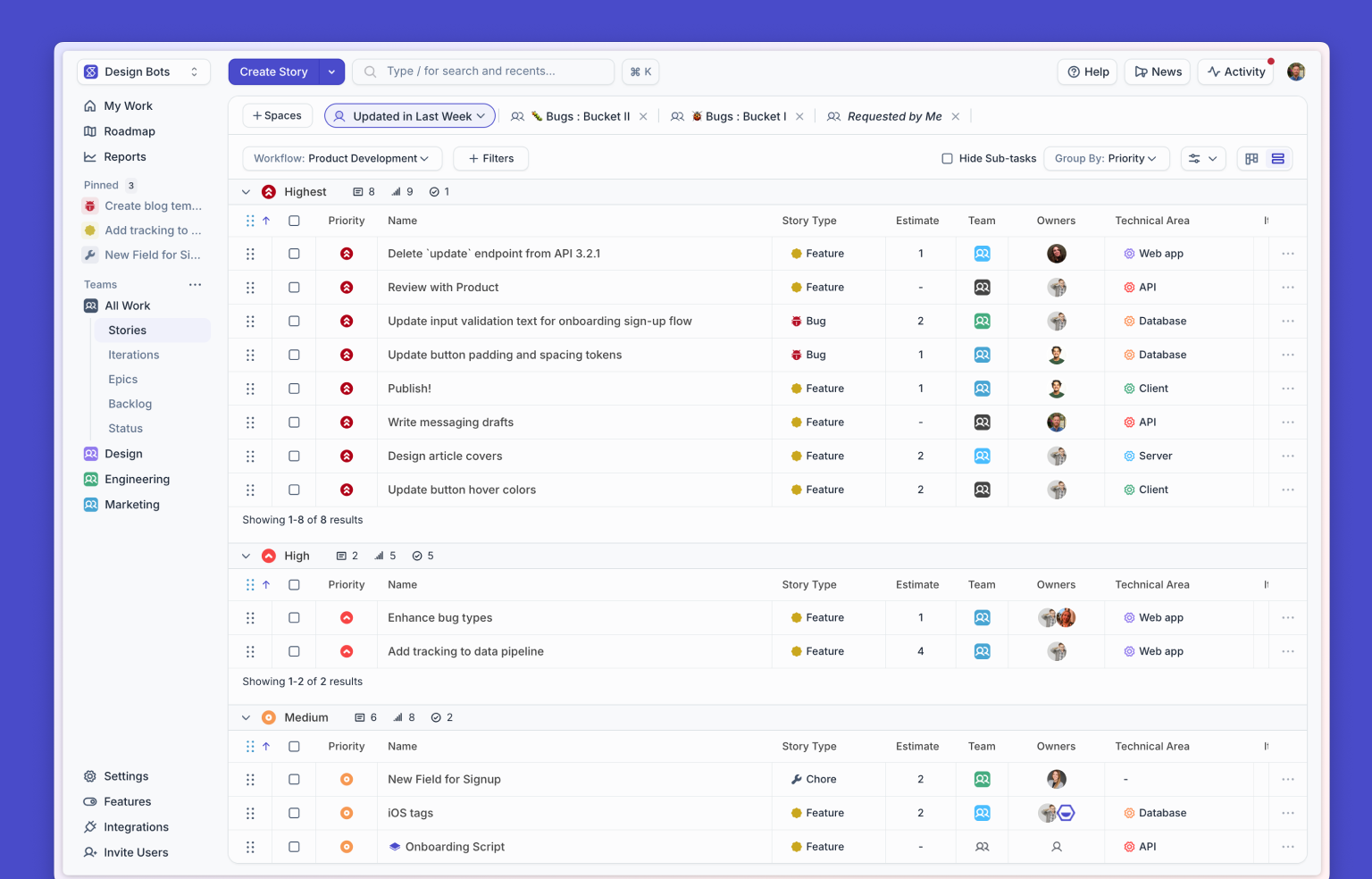
- Filters and views that make it easy to see what's in progress
- Reports for quick insights into how work is flowing
It becomes easy for everyone to know what's happening and what's coming next.
2. Epics, Iterations, and Roadmaps
Shortcut includes the full planning layer on the free plan, built around how engineering teams move from idea to predictable delivery. It gives you a way to shape work, execute it, and keep the bigger picture visible without adding unnecessary process.
Epics
Epics give ideas structure. They group related Stories, define scope, and make progress visible.
Iterations (Sprints)
Iterations give your Team rhythm. They help answer the questions every engineer has during planning: What are we taking on this cycle? Who owns what? What actually fits in this window?
Teams get:
- A defined timebox
- A shared commitment
- A real-time view of progress
- A natural moment to evaluate and adjust
Iterations turn “this is a good idea” into “this is what we are delivering this cycle.”
Roadmaps
Roadmaps unify everything. They show what's coming next, how Epics are tracking, and where the Team is headed. Product can share direction, engineering can plan capacity, and leadership can get clarity without chasing updates.
Shortcut includes all of this on the free plan so teams can move confidently from spark of idea to shipped result.
3. A GitHub integration engineers like using
Shortcut’s GitHub integration connects planning and development so you don't have to chase context across tabs.
You can:
- Link pull requests to Stories automatically
- Auto-move Stories when branches merge
- Create branches from Stories
- Pull commit messages and updates right into the Story
- See development progress inside Epics and Iterations
Your Workflow stays clean. Your status stays accurate. And your Team doesn't have to manually update anything unless they want to.
4. No issue limits
Shortcut doesn't cap the number of Stories your Team can create.
Track:
- Bugs
- Tech debt
- Improvements
- Ideas
- Experiments
- Customer requests
- Random “why is this happening” discoveries
Everything gets a home. Nothing gets deleted to stay under a quota.
Is There a Free Project Management Option for Startups?
If you are a pre-Series A startup, Shortcut also offers a Startup Program that gives you the Business Plan free for 12 months. Same experience. More power as you grow.
What Should Engineering Teams Look for in a Free Project Management Tool?
When choosing a project management tool, think less about what works today and more about what will keep your Team sane three months from now. Work multiplies fast. Context gets complicated. Without the right structure, everything slows down.
Shortcut’s free plan gives you the structure early teams need, without forcing you to upgrade just to keep things moving.
Why Do Engineering Teams Choose Shortcut Over Other Free Tools?
Teams choose Shortcut because it helps them take an idea, shape the work, coordinate the details, and get features into development faster. It feels intuitive. It supports collaboration. It reflects how modern engineering teams actually work.
Can Shortcut Be Extended With AI for Writing and Breaking Down Work?
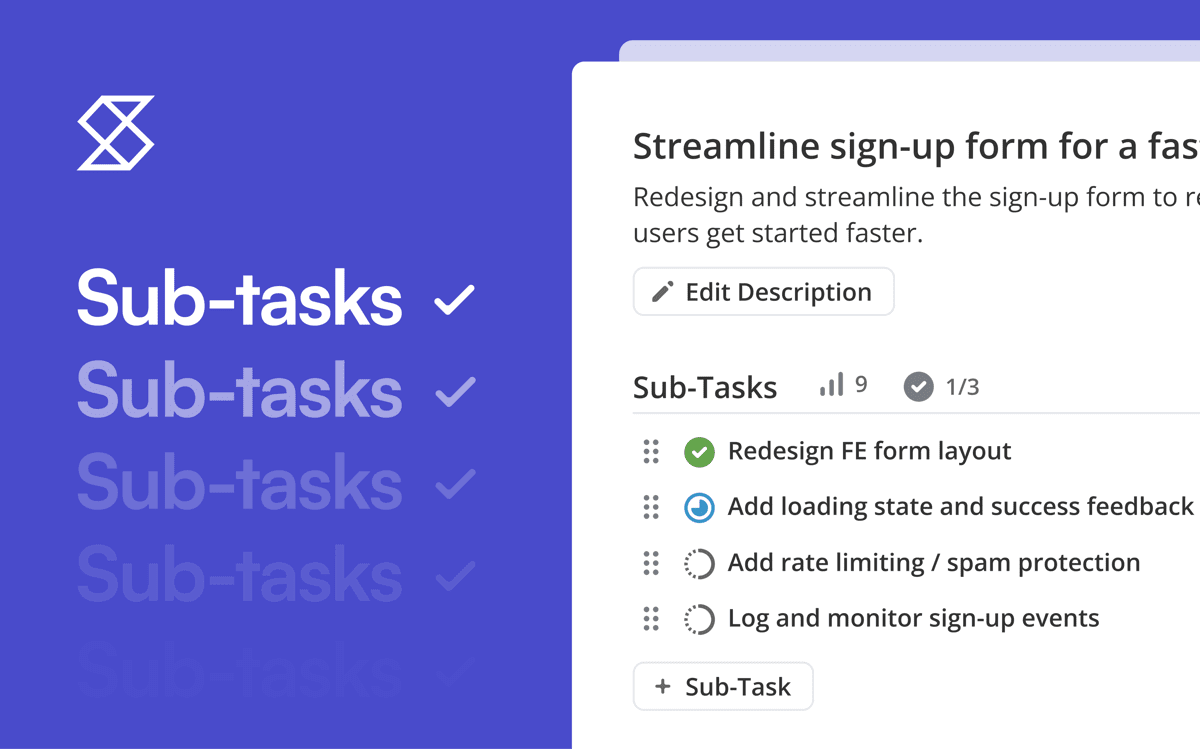
Extend Shortcut with AI: If you want help turning rough ideas into structured, development-ready Stories in Shortcut, you can assign them to Korey, our AI agent for product development. Korey is built to accelerate product engineering workflows and teams report it reducing time spent on the work about work by 48%.
Korey captures ideas, adds acceptance criteria, breaks down work into tasks, and formats everything so engineers can pick it up confidently. It can even handoff work to your coding agents like Cursor, Jules and Devin, taking your ideas to PR in minutes.
Common Questions
Is GitHub integration included in Shortcut’s free plan?
Yes. All core GitHub workflow features are included.
Does Shortcut limit the number of Stories?
No. There is no issue cap.
How many Teams can I use on the free plan?
One Team with up to 10 users.
Are Epics, Iterations, and Roadmaps included?
Yes. The complete planning layer is included on Free.
Is Shortcut a good fit for fast-moving early engineering teams?
Shortcut is designed around real engineering workflows so it works well for small teams and grows with them.
Try Shortcut Free
Plan your next release, connect GitHub, and experience how smooth it feels when all of your context lives in one place.

%20(788%20x%20492%20px)%20(1).png)
.png)