

Engineering teams deserve project management tools that help them move faster, stay aligned, and focus on what matters most: building great software.
For years, Jira has been the standard for software project management. It’s powerful and deeply configurable, but that flexibility can come with tradeoffs in setup time, usability, and day-to-day flow. Many modern teams are now looking for tools that deliver the same depth of capability in a more intuitive, developer-friendly experience.
The good news is there are plenty of great options. The tools below offer clean interfaces, strong integrations with developer workflows, and features that make collaboration and delivery easier.
TL;DR: The Best Jira Alternatives in 2026
- Shortcut – Best for engineering and product teams that want power and speed without heavy configuration.
- Linear – Best for fast-moving engineering teams focused on clarity and minimalism.
- Asana – Best for cross-functional collaboration across departments.
- Monday.com – Best for visual workflows and automation.
- ClickUp – Best all-in-one workspace combining tasks, docs, and goals.
- Notion – Best for early-stage teams that need flexible docs and light project tracking.
- Trello – Best for small teams that want a simple, visual Kanban system.
- GitHub Projects – Best for developers who live entirely in GitHub.
Common Questions About Jira Alternatives
Why look for a Jira alternative?
Jira’s configurability is powerful but can slow down smaller or fast-moving teams. Many are now choosing tools that offer structure, speed, and simplicity without complex setup.
What are the best Jira alternatives for developers?
Shortcut, Linear, and GitHub Projects stand out for their deep GitHub integrations and developer-friendly workflows.
Which Jira alternative works best for cross-functional teams?
Asana and Monday.com are popular when design, marketing, and product all need to collaborate in one workspace.
Is Shortcut a good replacement for Jira?
Yes. Shortcut provides hierarchy (Objectives → Epics → Stories), built-in reporting, and GitHub sync, giving teams enterprise-level capability with startup-level simplicity.
Reasons to Look for Jira Alternatives
1. You want faster setup and simpler workflows
Jira’s flexibility often requires configuration time and dedicated admins. Teams that want to get productive on day one often turn to tools like Shortcut or Linear, which work out of the box with minimal setup.
2. You need a more developer-friendly experience
Jira’s interface can feel heavy for engineers who spend their day in GitHub. Tools with native GitHub integrations keep code and planning in sync without constant switching.
3. You want visibility without extra plugins
Jira frequently relies on add-ons for reports, velocity tracking, or roadmaps. Modern tools like Shortcut include agile metrics and roadmaps by default, so progress updates automatically.
4. You’re ready to simplify collaboration
Cross-functional collaboration in Jira can be complex. Alternatives like Asana, Notion, and Monday.com make it easier for product, design, and engineering to work together in one shared environment.
Best Jira Alternatives for Engineering Teams
Shortcut: Purpose-Built for Modern Software Teams
Best for: Product and engineering teams that want speed, visibility, and structure.
Pricing: Free for up to 10 users; Team $8.50 per user/month; Business $12 per user/month; Enterprise custom.
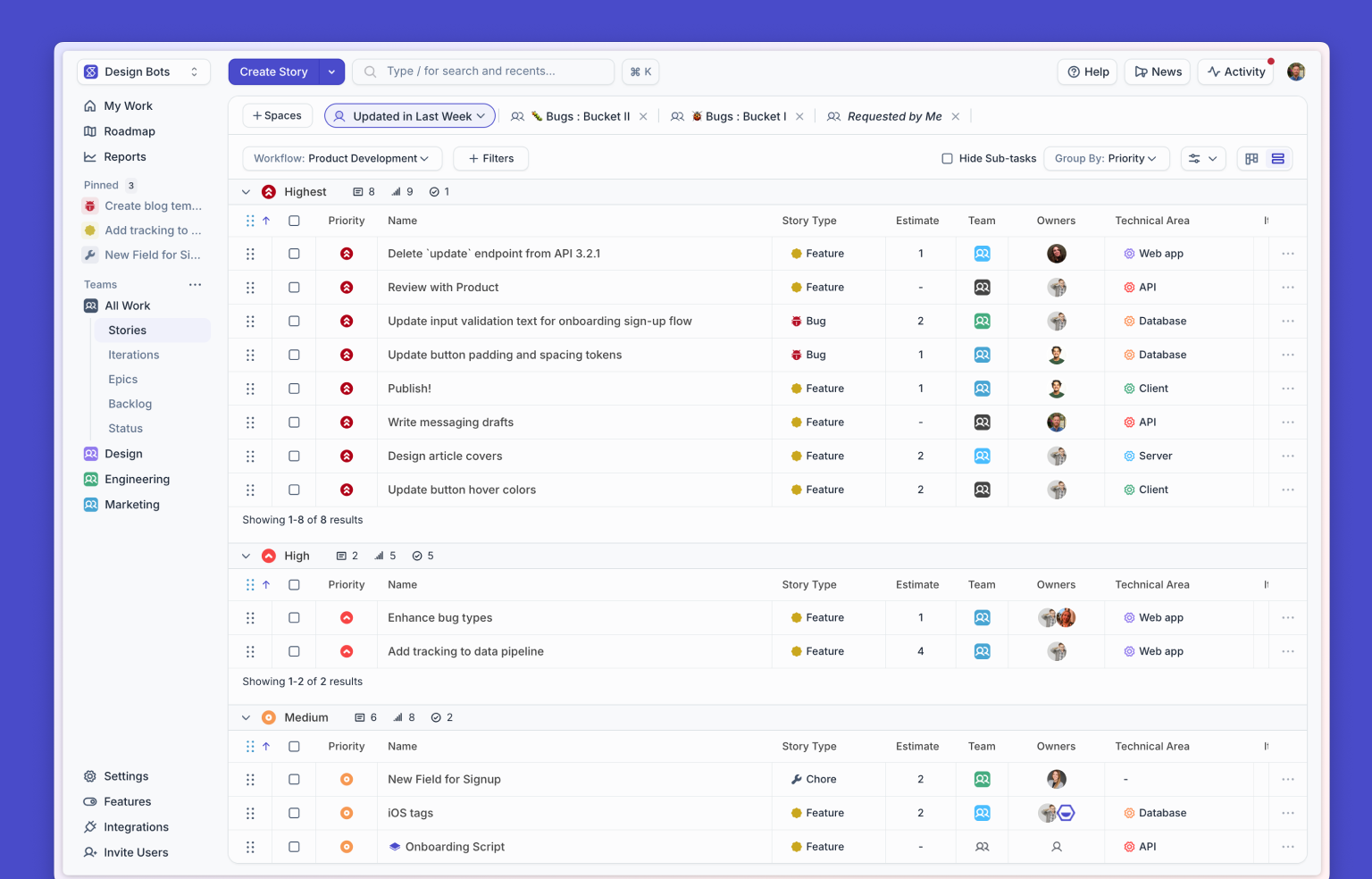
Shortcut combines the structure and visibility of an enterprise tool with the speed and simplicity of a startup app. Teams can plan sprints, connect work to roadmap goals, and automatically track progress across Stories, Epics, and Objectives. Real-time GitHub sync, Slack updates, and agile reports keep everyone aligned.
Why teams choose Shortcut:
- Clean, fast interface that works out of the box
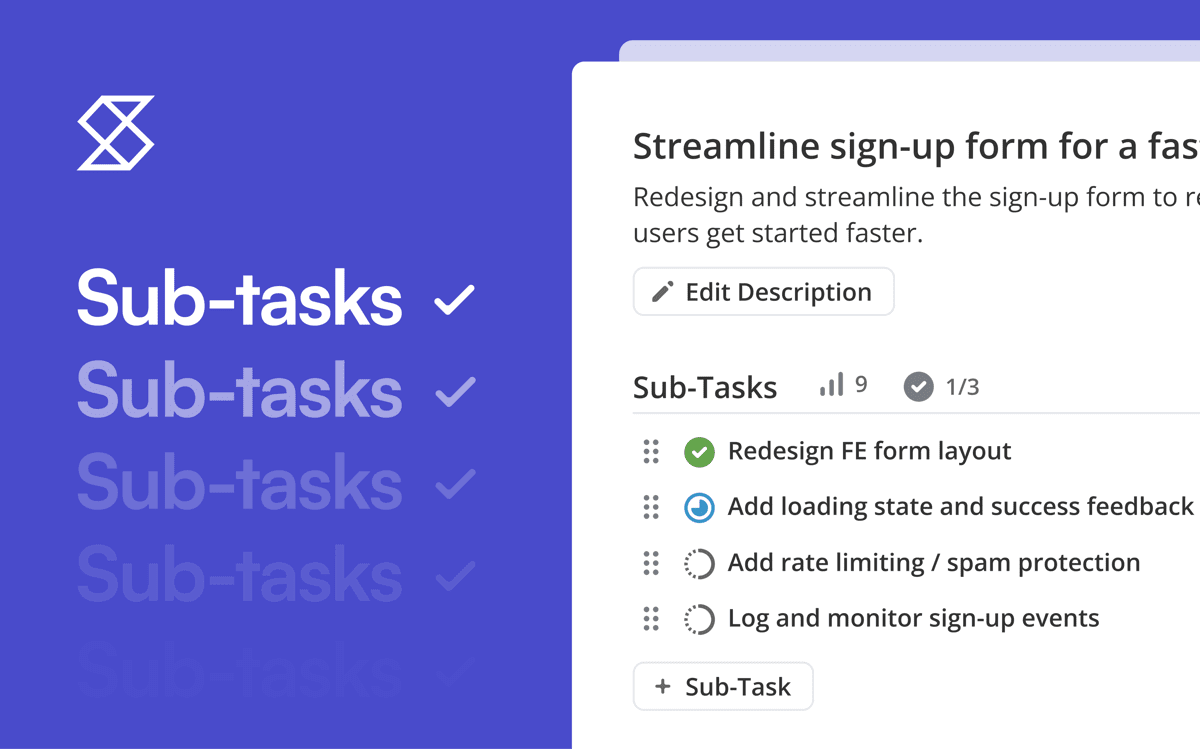
- Real hierarchy of work (Objectives → Epics → Stories → Sub-tasks)
- Native GitHub and GitLab integrations
- Built-in agile reports for velocity and progress
- Custom workflows and automations
Linear: Fast and Focused for Engineering Teams
Best for: Teams that prioritize speed and minimalism.
Pricing: Free for up to 10 users; paid plans start at $10 per user/month.
Linear is lightning-fast, keyboard-driven, and built for developers. Issues, Projects, and Cycles (Linear’s version of sprints) keep work streamlined. Insights dashboards give teams enough data to measure progress without clutter.
Highlights:
- Fast interface
- Opinionated workflows that keep teams focused
- Cycles and Insights for sprint tracking
- Strong GitHub integration
Asana: Best for Cross-Functional Collaboration
Best for: Teams that span product, design, and marketing.
Pricing: Free for small teams; paid plans start at $10.99 per user/month.
Asana offers multiple views including List, Board, Timeline, and Calendar, making it easy to visualize work across departments. Dashboards and integrations with tools like Figma, Slack, and Zoom help teams coordinate company-wide initiatives in one place.
Monday.com: Visual and Customizable Workflows
Best for: Teams that want automation and visual clarity.
Pricing: Free for up to two seats; paid plans start at $9 per seat/month.
Monday.com’s color-coded boards make project tracking visual and easy to digest. Automation rules reduce manual work, and integrations connect with tools like Slack, GitHub, and Jira.
ClickUp: The All-in-One Workspace
Best for: Organizations that want to centralize work management.
Pricing: Free plan available; paid plans start at $7 per user/month.
ClickUp combines task management, documentation, and goals in one place. It’s flexible enough for enterprise-scale visibility but can feel heavy for smaller dev teams that just need sprint tracking and GitHub sync.
Notion: Flexible and Collaborative
Best for: Early-stage or hybrid teams that want docs and tasks in one space.
Pricing: Free for individuals; paid plans start at $10 per user/month.
Notion blends documentation and lightweight issue tracking. Custom databases, templates, and inline comments make it great for managing bugs, features, and meeting notes in one workspace.
Trello: Simple and Familiar
Best for: Small teams or straightforward workflows.
Pricing: Free tier available; paid plans start at $5 per user/month.
Trello remains the go-to Kanban tool for small teams or single developers. Its boards, lists, and cards are intuitive and easy to adopt. Power-Ups add features like calendars and reporting.
GitHub Projects: Project Management Inside GitHub
Best for: Teams fully embedded in GitHub.
Pricing: Included with GitHub plans.
GitHub Projects ties directly into issues, pull requests, and discussions. Custom views and automation through GitHub Actions make it easy to manage development work without leaving your repository.
What to Look For in a Jira Alternative
When choosing your next tool, consider these factors:
- Ease of use: Can your team start quickly without admin setup?
- Developer integrations: Does it sync with GitHub, GitLab, or CI/CD tools?
- Agile support: Are sprints, velocity, and reporting built in?
- Performance: Does it stay fast at scale?
- Pricing transparency: Are costs predictable as your team grows?
- Customization: Can it adapt to your workflow without adding friction?
How Shortcut Compares to Jira
Shortcut provides everything engineering teams expect from Jira like agile features, structure, and reporting.
Where Jira focuses on configurability, Shortcut focuses on clarity and speed. Agile boards, velocity tracking, and roadmaps work immediately with no plugins or complex setup. If your team wants to plan and track work efficiently while staying connected to GitHub, Shortcut is designed for you. Plus, Shortcut offers Korey, an AI Product Manager that connects to your tools. With Korey you can create stories and specs, break down tasks, assign to your team, gain insights, created PRDs and more.
You Should Try Before You Buy
Every team’s workflow is different. If you’re looking for a project management tool that keeps engineering and product aligned while staying fast and intuitive, Shortcut is worth a try.
It gives you the structure and visibility of Jira with less setup and more flow, so your team can focus on building.

%20(788%20x%20492%20px)%20(1).png)
.png)