The Bitbucket integration links Shortcut Stories to commits, branches, and pull requests. It supports Bitbucket Cloud, not Bitbucket Server.
Install the Bitbucket Integration
Only Shortcut Admins and Owners can activate the integration.
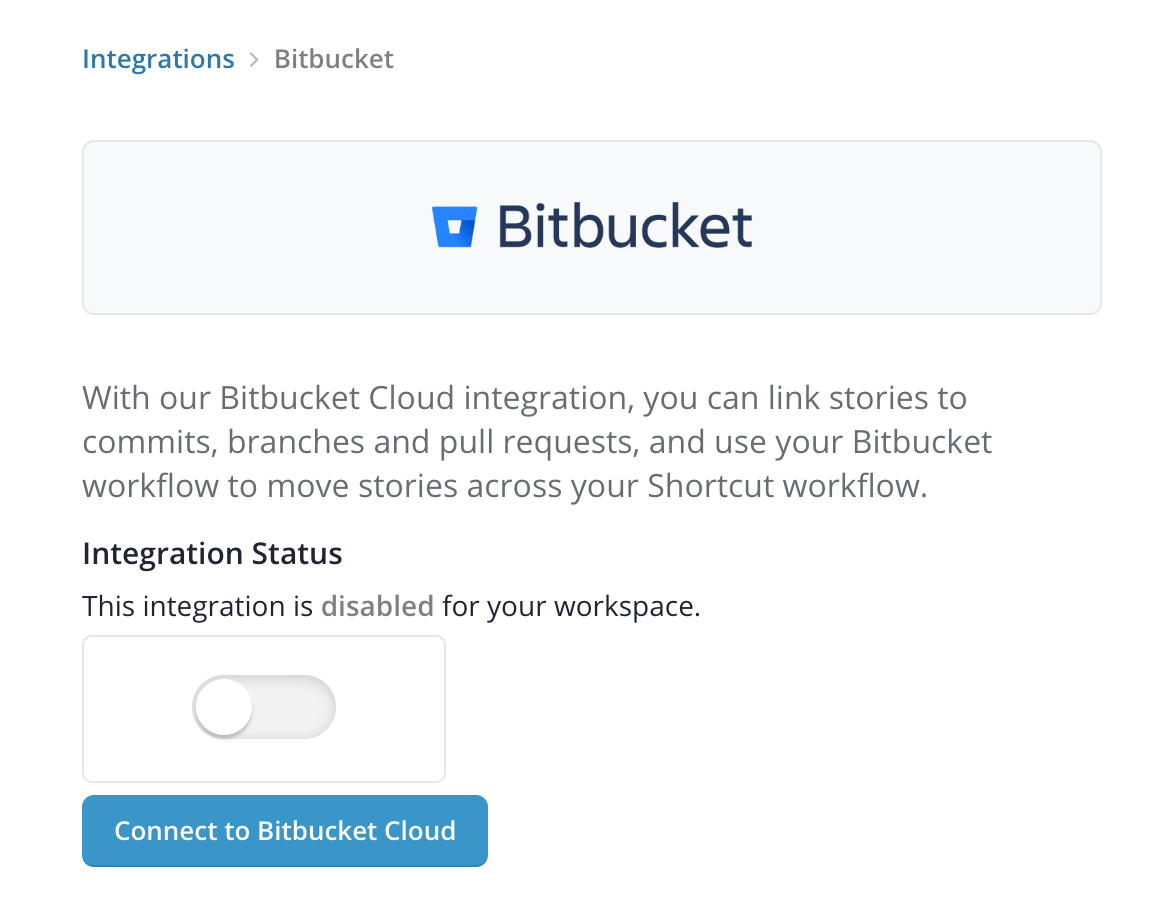
- In Shortcut, open Integrations > Bitbucket.
- Select Connect to Bitbucket Cloud.
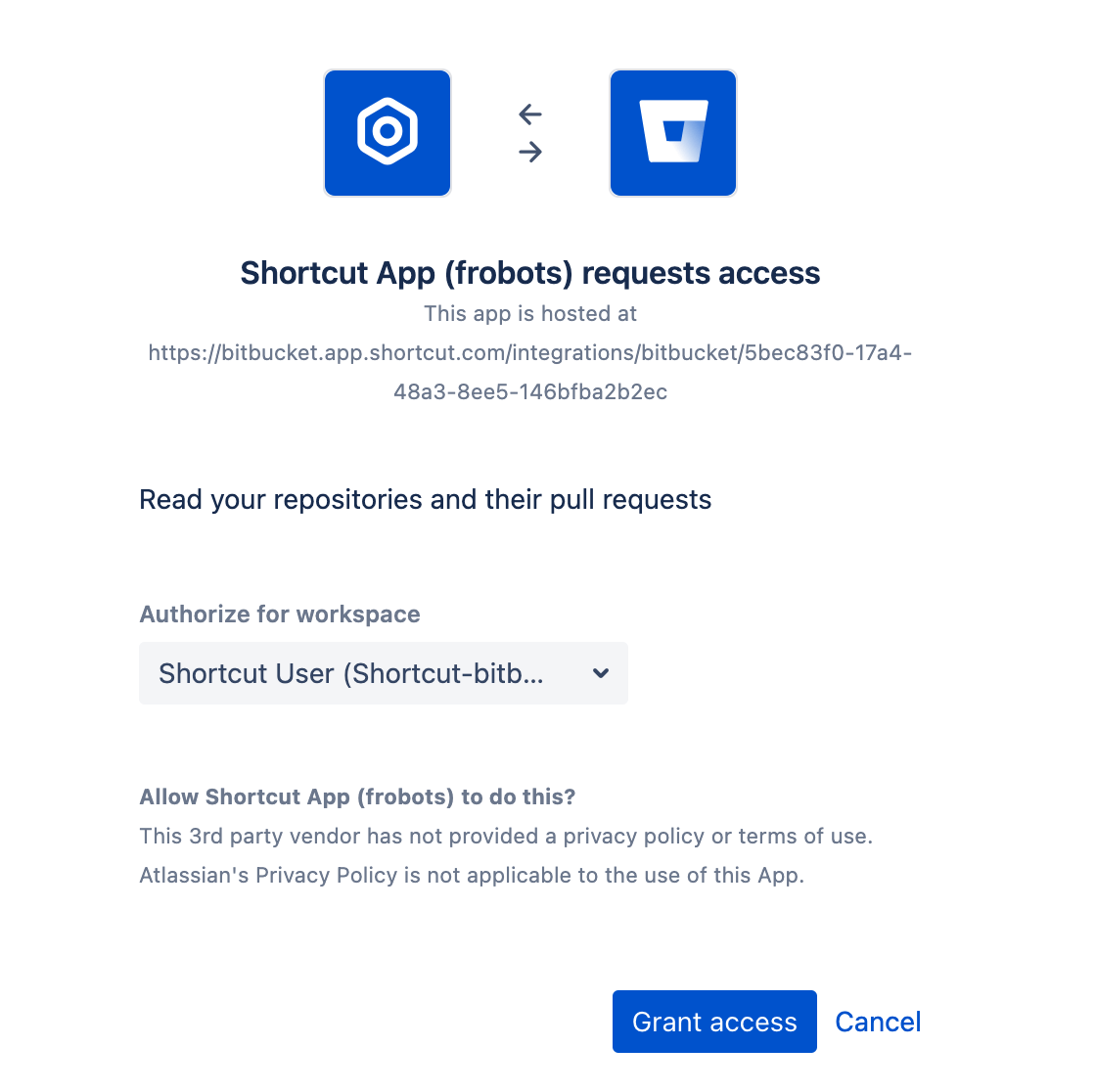
- Authorize the Bitbucket account to connect to the Shortcut Workspace.
- Return to Shortcut and confirm that the connected Bitbucket account is shown.
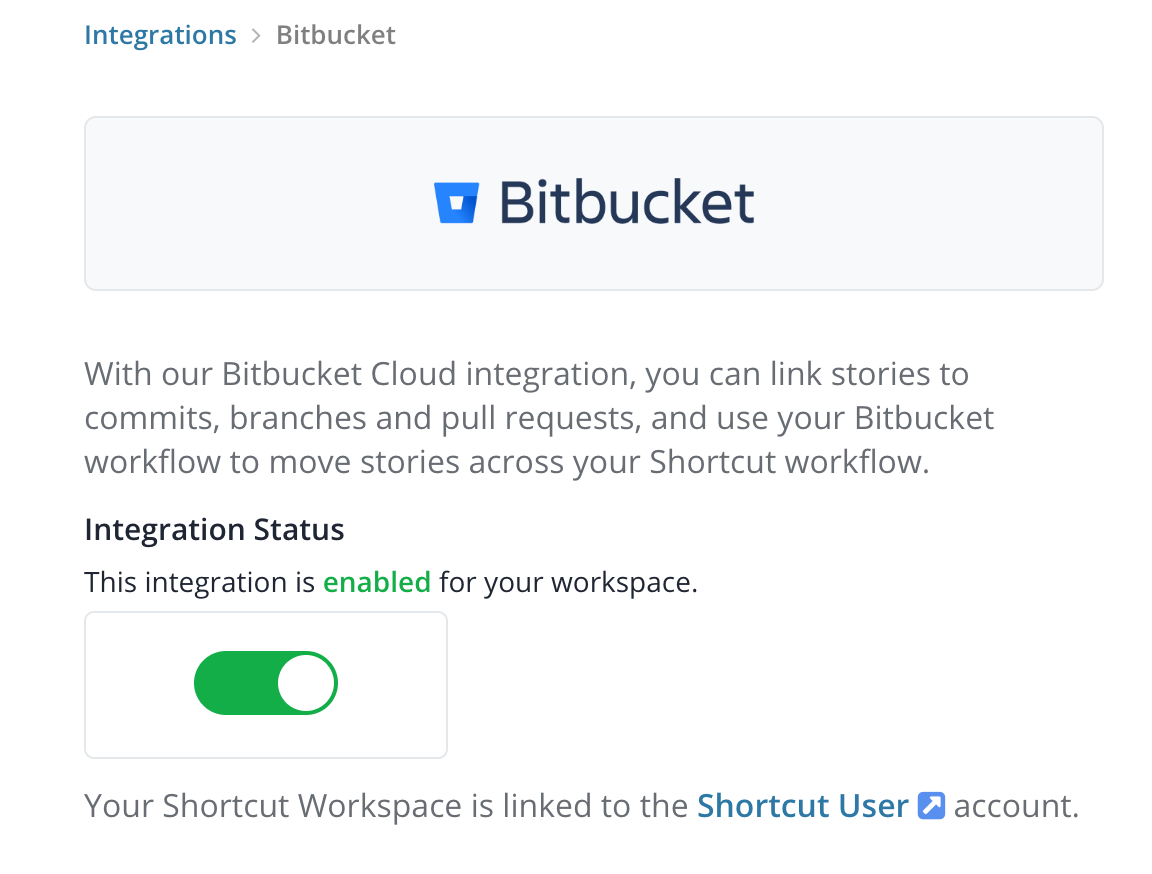
You can connect multiple Shortcut Workspaces to one Bitbucket account, but a Shortcut Workspace cannot connect to multiple Bitbucket accounts.
For shared guidance on commits, branches, pull requests, and event handlers, see Using VCS Integrations.