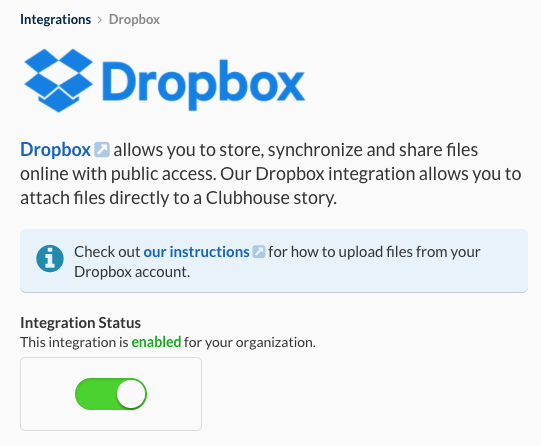
Overview
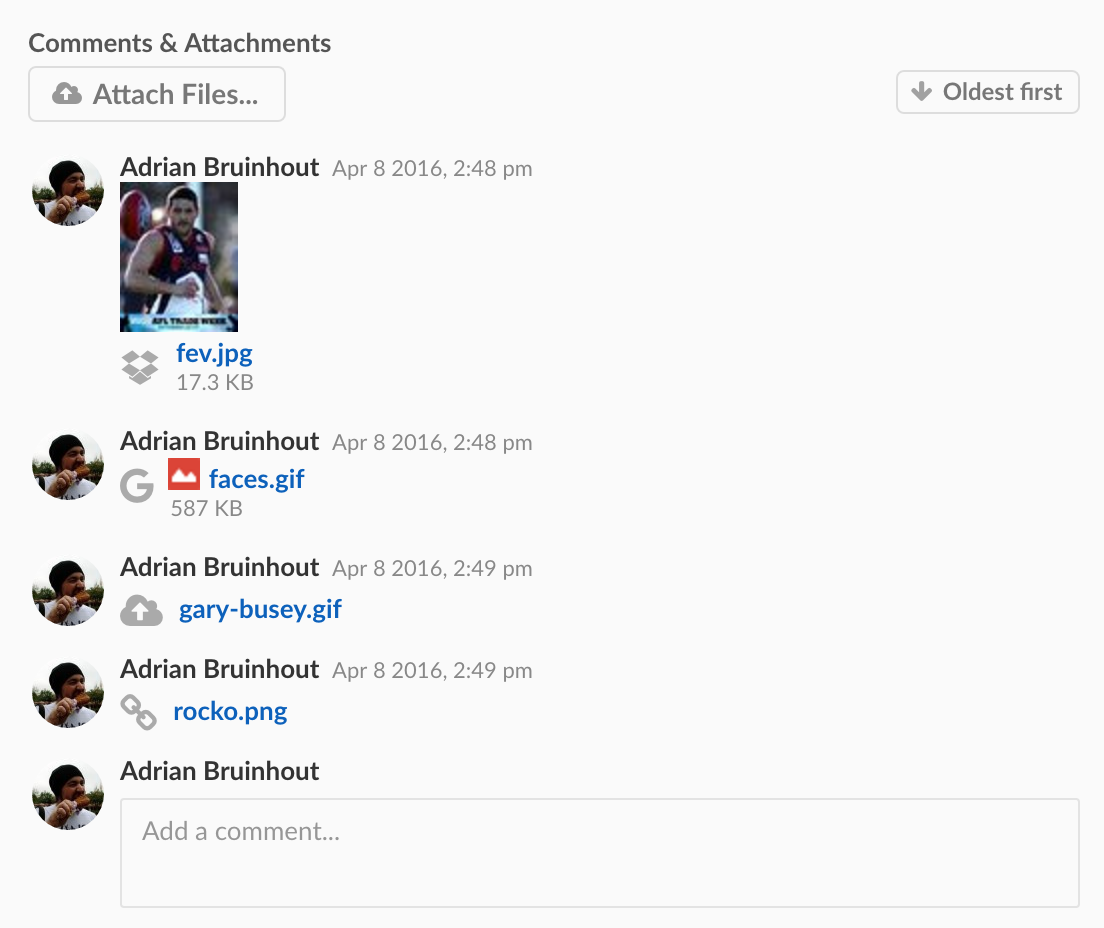
Attach files from Dropbox directly to your Shortcut Stories to keep all relevant documents linked to your work.
Attaching Dropbox Files
- Click Attach Files under Comments & Attachments on the Story card
- Select Dropbox from the list
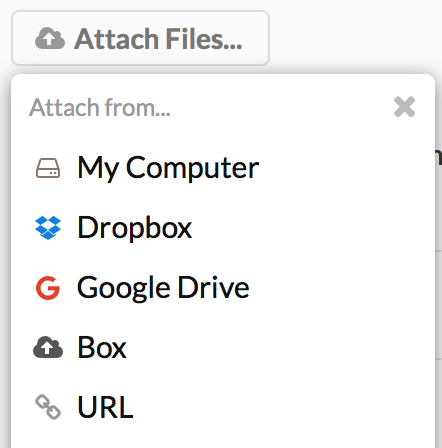
- You will be prompted to authenticate if you’ve not done so yet. Once authenticated, you can select the file you wish to attach
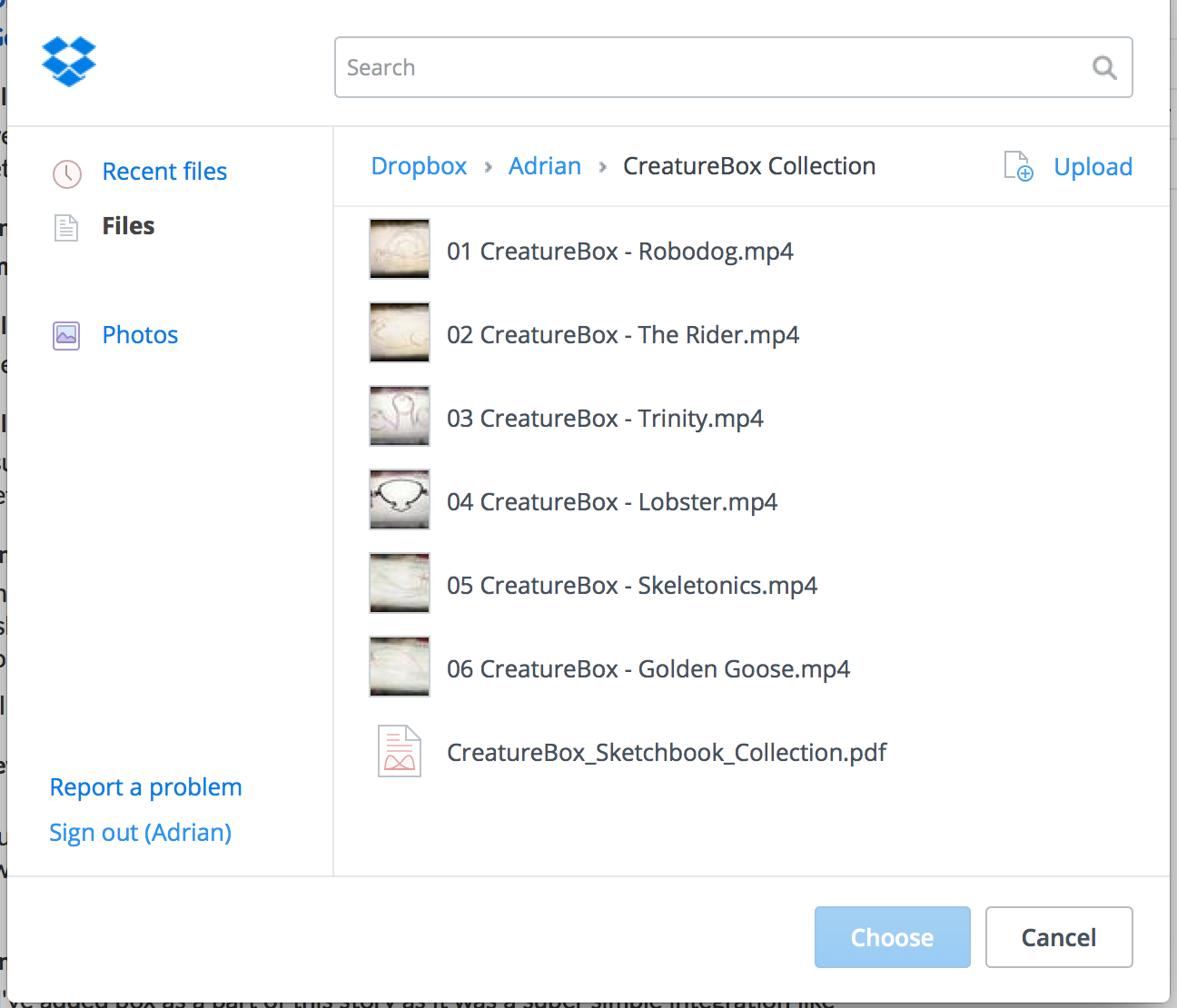
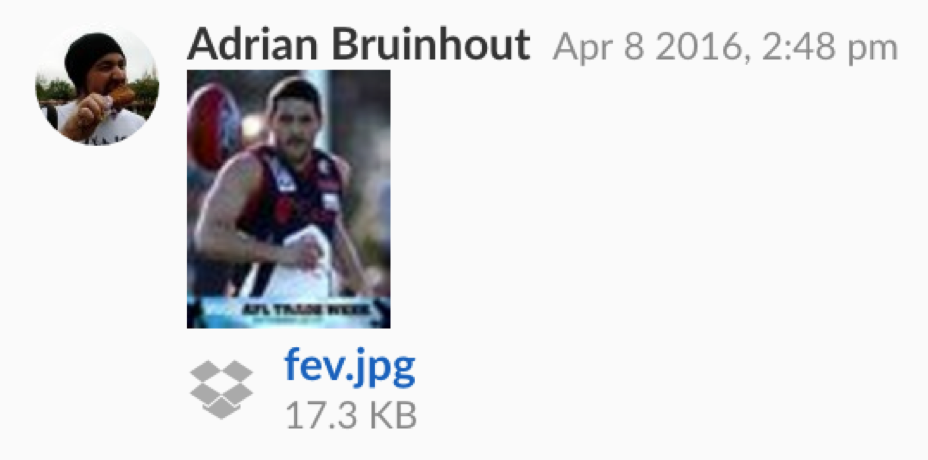
- Press Choose to select. The Dropbox window will close and your file will now be linked in your Story
Enabling and Disabling the Integration
The Dropbox integration can be enabled or disabled via the Integration Status toggle in Settings > Integrations > Dropbox.