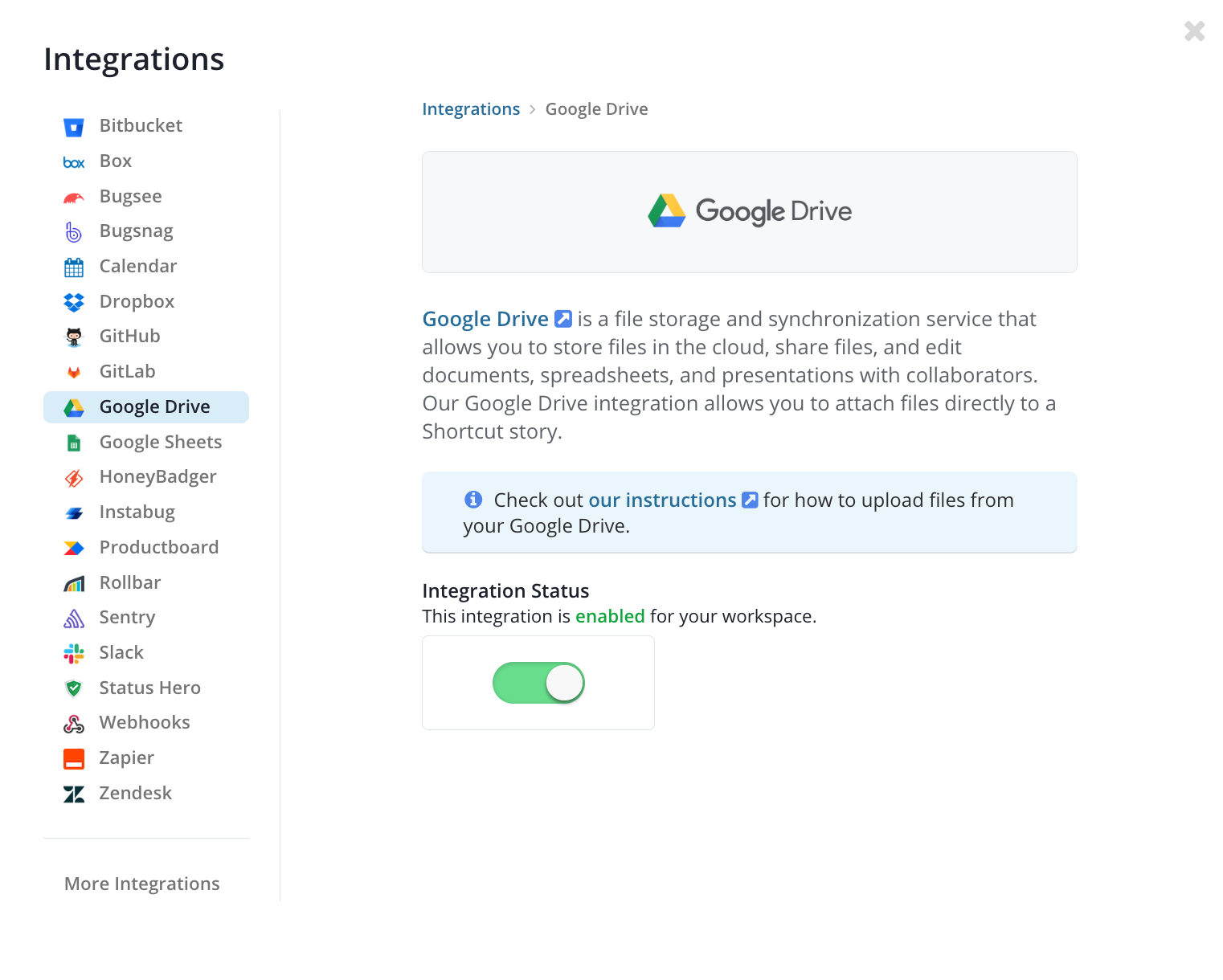
Overview
Attach files from Google Drive directly to your Shortcut Stories to keep all relevant documents linked to your work.
Attaching a Google Drive File to a Story
- Click the Attach Files button in your Story
- Select Google Drive from the list
- If this is your first time attaching a Google Drive file, you will be prompted to grant the app authorization
- Select your file from your Google Drive
- Your file will now be attached
Disconnecting Google Drive from Shortcut
To disconnect, follow these steps:
- Go to your Google Drive settings
- Select Manage Apps
- Find Shortcut in the list, select Options, and then press Disconnect from Drive
Enabling and Disabling the Integration
The Google Drive integration can be enabled or disabled via the Integration Status toggle in Settings > Integrations > Google Drive.